Tony and and sometimes over modulated Craig (with Renee popping up from time to time) roam the floor at lunchtime at Scrum Australia in Sydney and talk to some interesting Scrum folks along the way about their thoughts on the conference and the Scrum community in general:
Shane Sendall (Suncorp) – end to end delivery and design patterns for teams, minimum loveable products, looking at flow efficiency
Ben Hogan (Tabar) and Martyn Frank (CBA) – teams overcommitting, Scrum in 60 seconds, visual facilitation inspired by Lynne Cazaly, kanban in curriculum development in universities
I attended the Brisbane Functional Programing Group meetup this week, and one of the talks was by Chris McKay on “The Whirlwind tour of Haskell Development Tools”. I always enjoy these talks because often the books don’t adequately explain these things and the experts often assume that these things are known.
GhcMod – used by plugins, may need to install it, unlikely to use it directly
Emacs – haskell-mode (syntax highlighting, indentation, REPL integration), ghc-mod (access to a whole bunch of tools, nice place to start), flycheck-haskell (syntax checking, can’t use with ghc), company-ghc (auto completion), shm (structured Haskell mode, write code in a tree and it edits for you)
vim – vim2hs (syntax highlighting), syntastic (syntax checking and lint), neco-ghc (auto completion), ghcmod-vim (compliation errors and warnings, not as good as syntastic)
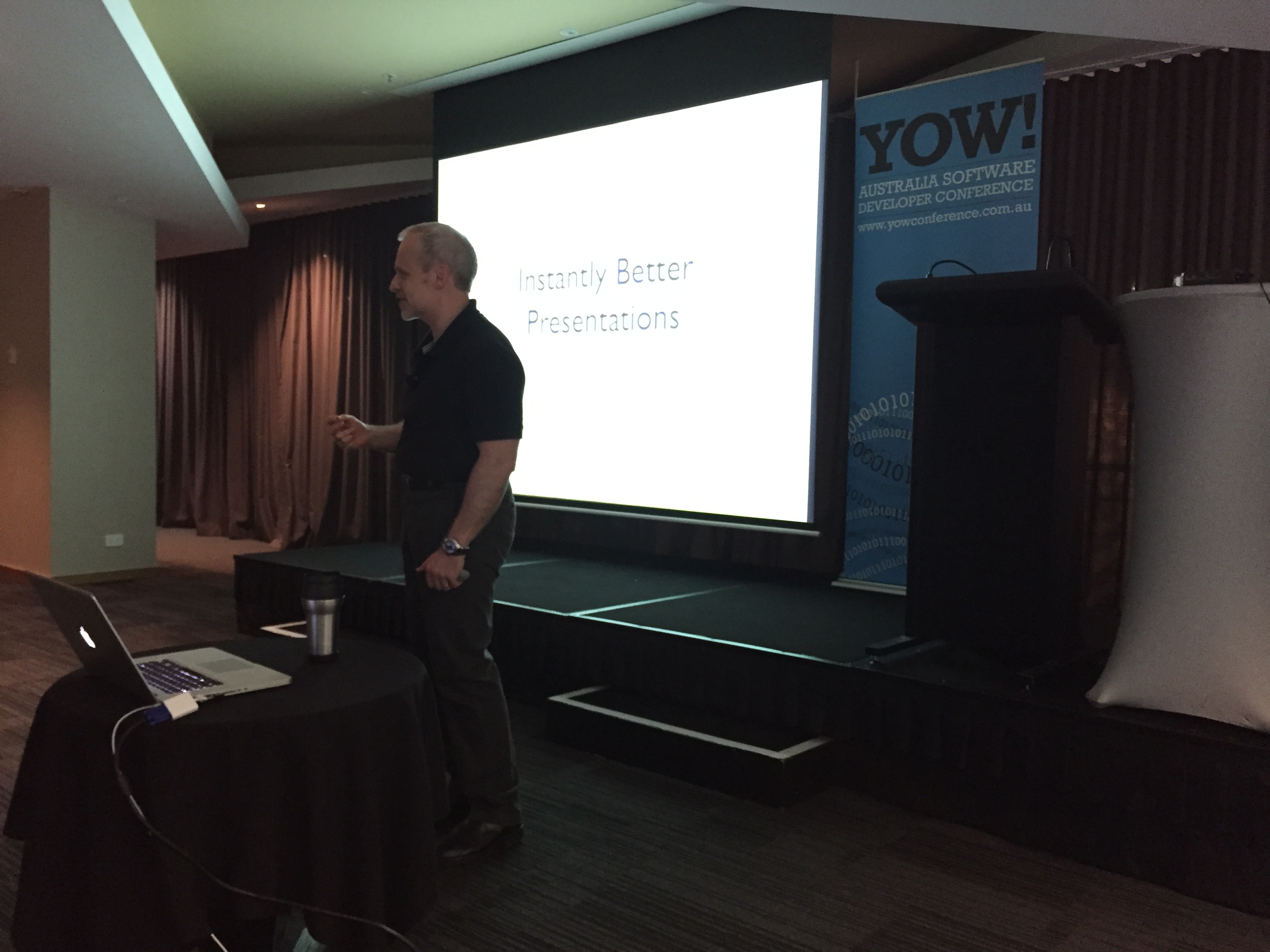
if you need to give the audience bad news, give it first
instantly does not mean effortlessly
1. Talk about your passion
to feel more confident, you need competence – talk about subjects you genuinely understand
seeing someone who is excited… is exciting
energy, enthusiasm and passion through your actions and speech will translate to your audience
find something in the required topic that gives you passion – even if you loathe the topic or have been forced by your boss to present it
2. Tell them a story
our memory is very volatile – stays for 8-10 seconds unless we do something with it
7+/- 2 is horribly optimistic and not backed by research, real number is 4 +/- 1
stories are our oldest information processing tool
stories have a flow to assist acquisition and memorisation (all our memories are reconstructed from a storyline), have a hierarchy to assist comprehension and recollection
tell the historical story or the story of what happened, process or funny anecdotes
story is for your benefit to get the sequence and content right – audience don’t necessarily need to know
stories make complexity comprehensible, structure recognisable, information easy to remember, make audiences feel more comfortable
3. Don’t search for content, select it
what should I say is the wrong question, question you should start with is what could I say
humans are good at recognising important stuff rather than recalling important stuff
start with a blank sheet and write down everything you know about the topic that you might want to say – stream of consciousness
whittle down to 3-5 most relevant and important topics to talk about
these 5 points becomes the chapters, so go looking for the narrative that connects them – they may not connect so look for a couple of lesser topics that better connect the 5 important things
competency – think about the questions you were asking when you were learning
4. Simplify your slides
tools encourage a bad job
content matters but not as much as style
content is your payload to explode the audiences brains
style – the stuff the audience doesn’t see that prevents them seeing what they should see
bad style – anything that prevents the audience seeing what they should see
a wall of text – technical audience will read everything, regardless of whether it is relevant or not
Apple is good at presentations – simple but effective
big words – people at the back can still read them
slide numbers turn your presentation into a death march – get rid of background, name and title on every slide, get rid of the logos (audience sees salesperson)
slide deck is to focus audience on the presentation – if they need context give them a separate PDF or notes
each message is a different slide
cluttered is overwhelming and as a result they switch off the attention channel as they are trying to read everything
show less on more slides
5. Manage the questions
a presentation should always be for the benefit of the audience – give them what they need
have an explicit questions policy – hold to the end of each topic, end of the talk, or interactive through the talk (can however affect the flow)
always be keen to take questions – shows you care
make the questions fit in with your question – “that’s a really good question” makes others more comfortable to ask question
6. Animate code simulations
explain code temporally, not spatially
use animations to reveal information one thing at a time
walk through code as an animation and highlighting
low tech animations – use the same slide over and over – cell animation
don’t export your slides – notes
live coding – synthesise, automate or have a partner – need to keep contact with the audience
7. Deliver your message fearlessly
use your nervousness – turn fear into energy
never give a presentation for the first time – practice it live at least 3 times

 Tony and and sometimes over modulated Craig (with Renee popping up from time to time) roam the floor at lunchtime at Scrum Australia in Sydney and talk to some interesting Scrum folks along the way about their thoughts on the conference and the Scrum community in general:

 Craig Smith
You must be logged in to post a comment.